Building OpenBullet 2 from source
Why build from source
If you don't trust the official release builds hosted on GitHub, or if you want to make some modifications to the source code of OpenBullet 2, you might want to compile your own build instead of using a premade one.
Prerequisites
Install the following:
- git
- .NET 10 SDK
- Node.js 20 (for the web client only)
Make sure to install the .NET 10 SDK and not the Runtime.
Building the Web Client from its source code
Open your favorite terminal (or Git Bash) and run:
git clone https://github.com/openbullet/OpenBullet2/
Now cd into the folder where OpenBullet2.Web.csproj resides:
cd OpenBullet2/OpenBullet2.Web
And compile OB2 using:
dotnet publish --configuration Release
Navigate to the openbullet2-web-client folder
cd ../openbullet2-web-client
Then install the required npm packages using
npm install
And finally, build the web client using:
npm run build
Copy the contents of the dist folder to the OpenBullet2/OpenBullet2.Web/bin/Release/net10.0/publish/wwwroot folder
cp -r dist/* ../OpenBullet2.Web/bin/Release/net10.0/publish/wwwroot
You can then navigate to the publish folder and start OB2 with the usual command:
cd ../OpenBullet2.Web/bin/Release/net10.0/publish
dotnet ./OpenBullet2.Web.dll
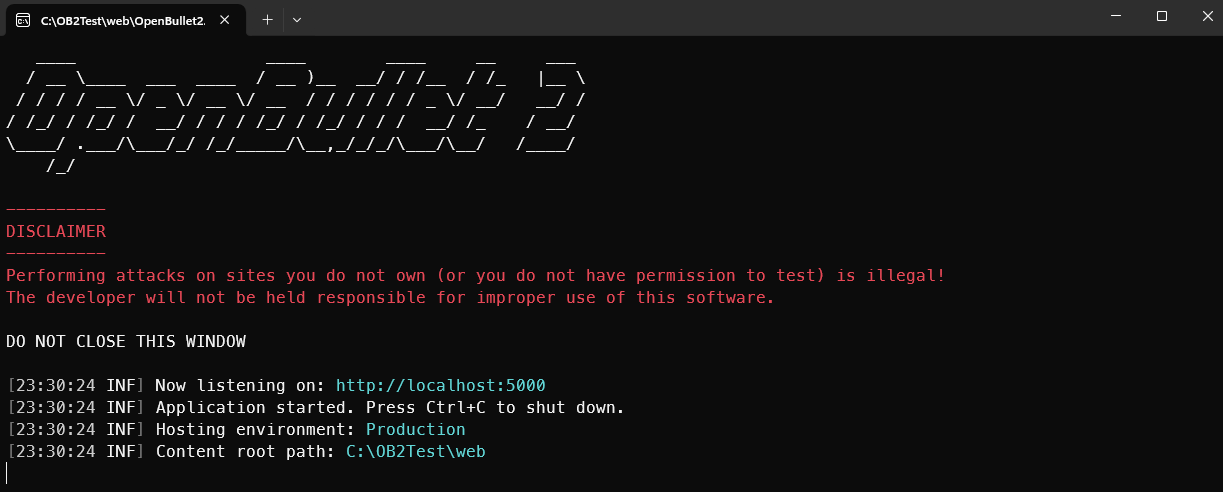
You should see some text like in the screenshot below
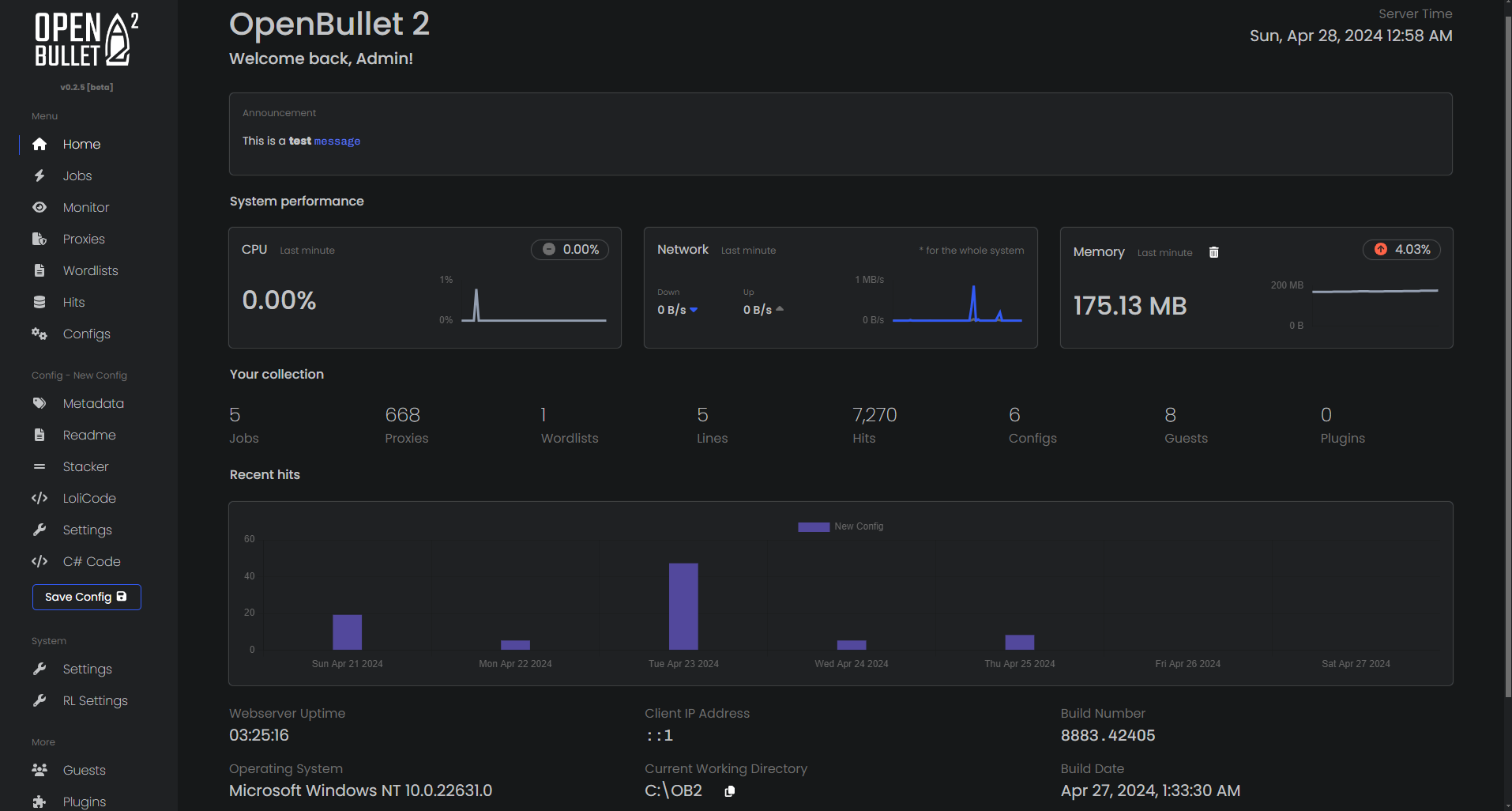
Now navigate to http://127.0.0.1:5000 using your favorite browser and you should see the home page.
Building the Native Client from its source code (Windows only)
Open your favorite terminal (or Git Bash) and run:
git clone https://github.com/openbullet/OpenBullet2/
Now cd into the folder where OpenBullet2.Native.csproj resides:
cd OpenBullet2/OpenBullet2.Native
And compile OB2 Native using:
dotnet publish --configuration Release
You can then navigate to the publish folder (bin/Release/net10.0/publish) and double-click OpenBullet2.Native.exe to run it.
You should now be able to see the application's homepage