Sounds
OpenBullet 2 can play a sound every time one of your jobs gets a hit.
Web client
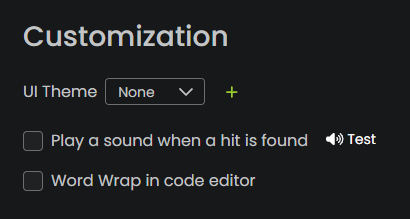
You can test and enable the hit sound in the Settings tab, in the Customization section.
Using custom sounds
Simply replace the wwwroot/assets/sounds/hit.wav file with your own sound file. The file must be a .wav file and have the same name as the original one. You may need to refresh the page for the changes to take effect.
Native client
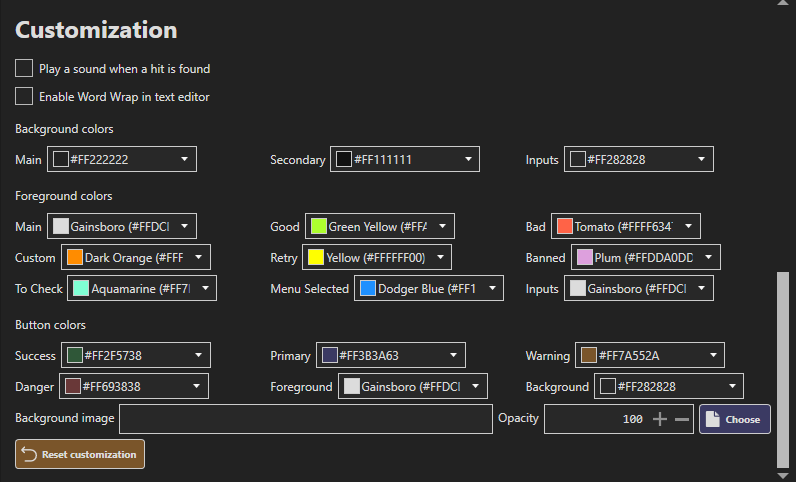
You can test and enable the hit sound in the OB Settings tab, in the Customization section.
Using custom sounds
Simply replace the Sounds/hit.wav file with your own sound file. The file must be a .wav file and have the same name as the original one. You may need to restart the application for the changes to take effect.